 Welcome to this week’s Friday Roundup!
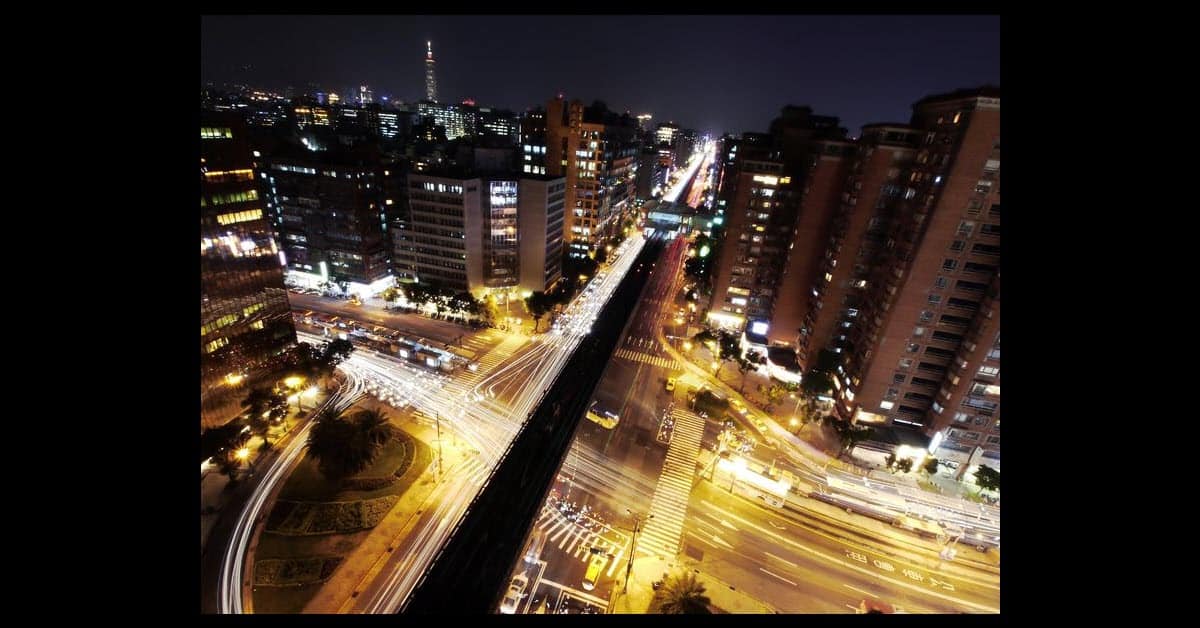
Almost didn’t make it this week due to a typhoon here in Taiwan but despite everything shutting down for a little while we were back to normal real quick!
I think that’s enough on the weather so let’s take a look at what was happening in the world of video:
Time Lapse Awesomeness
This is an amazing series of tutorial videos all pulled together by Fstoppers on how to make a time lapse video.
Now be warned that the level at which the original film maker is working at may be a tad beyond what you or I are doing but there is a wealth of tips and tricks laid out for you to take in.
Don’t sweat too much on the highly technical details but instead focus on the actions.
Color Correction or Grading?
In case you were uncertain about the difference between color correction and grading:
Another good tutorial on the concept of color grading here from Neumannfilms. Whilst the technicalities may be a little over the top from a home enthusiast perspective, it gives an excellent view of what the editor is trying to achieve with color grading.
Color Grading Magic Lantern Raw Video
Combining Stills and Motion
Probably one of the most common video projects any home video maker engages in is that of a montage.
A montage is a series of (hopefully!) thematically connected video clips that tell a story or document an event.
One of the reasons we are often forced into montage is that without consistent audio and spoken word scripting we are at a distinct disadvantage.
Our choices, more often than not, come down to a montage set to music or a series of shots with a narrative track.
If your projects are beginning to bore you a little take a look at this page and especially the video they highlight… not to make you feel bad about your projects but to get some ideas for just how far you can take this style of video project.
Vine Lives on!
OK! Still not sure about the whole Vine thing?
Unconvinced that you can do anything that anyone else would want to watch in just a few seconds of video?
Take a look at this article on Mashable where they have taken the most shared videos on Vine and attempted to break it down into some kind of explanation as to why they are successful.
10 Things I Learned Watching the 100 Most-Shared Vines of All Time
Outdoor Lighting Control
ReelSEO is site dedicated to the more commercial aspects of video editing and video production but! Because to a large degree they aim at small to medium businesses with their content there is always something to can learn over there… well usually anyway! Like most of us a small outfit is always going to have trouble controlling light in an outdoor setting but in this video they show some simple tips on how to deal with it.
Outdoor Lighting Techniques & Tips for Video Production
Forced Perspectives
Depending on how deeply you want to get into your videos or how complex you want to make them the use of effects can come down to a little or a lot.
In Hollywood a lot can mean the creation of an entire new reality but I don’t think any of us are going to go that far!
On the other hand a whole world of special effects can be achieved quite easily provided you know what the techniques are and how to apply them.
One such effect is that of forced perspective to change the entire “look” of how subjects and objects within a frame look.
This tutorial may be a little beyond what you are planning on doing but gives great insight into what is possible at even the amateur level.
Leave a Reply