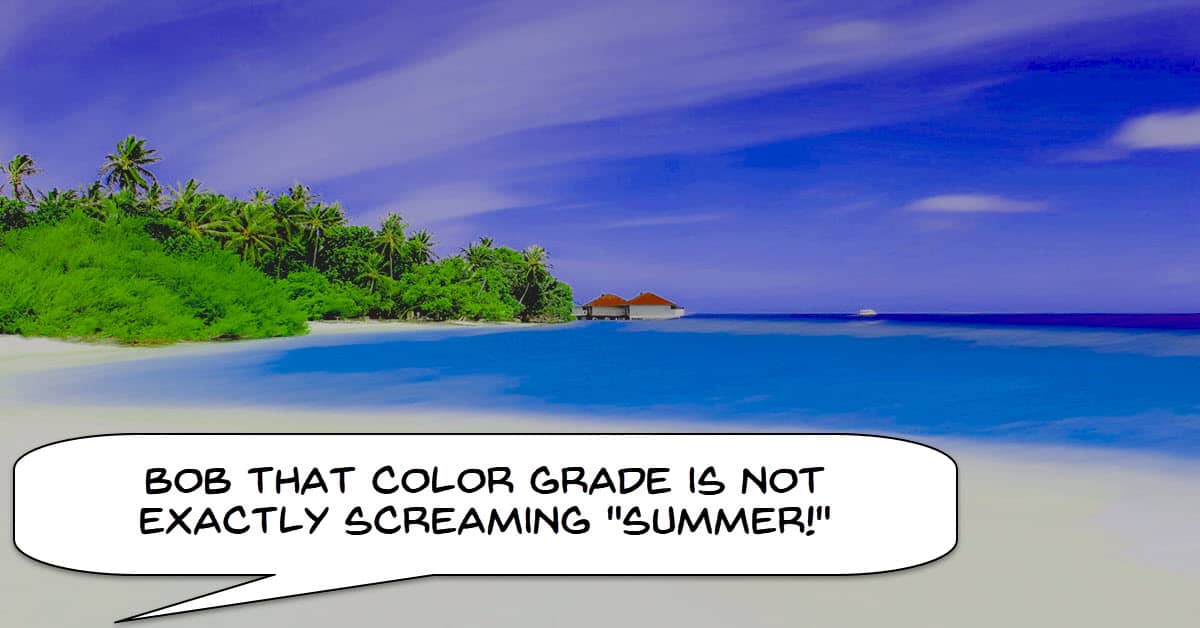
4 Color Grading Ideas For Summer Vibes
This one is demonstrated in DaVinci Resolve and is a simple coverage of taking footage and getting it to look like summer or more like summer.
The techniques are pretty simple and most video editing software will provide at least some kind of access to tools to create the same effects.
5 Cinematography Tricks for better Visual Storytelling
I have posted a few articles recently on the subject of camera angles and camera movement in video and film making.
Most of those articles or videos have attempted to cover the entire range of possibilities when it comes to movement and angle.
They certainly have a purpose but in their attempt to cover everything they tend to fall a little short when it comes to explaining just what the effect each one has on the viewer.
In the video below only five points are covered but the value is that there is a MORE complete explanation with examples of each one.
How to Stay Inspired as a Creator and Prevent Burnout
Aiden Robbins makes very stylized videos that are very easy on the eye and makes his locations look wonderful.
Of course along the way he generally comes up with some great advice on the art of creating videos.
A lot of his tutorials are pretty advanced these days so I don’t add a lot of them to the weekly roundup.
This week he goes off on a bit of a ramble in the mountains but along the way shares some solid advice for keeping yourself engaged and coming up with good ideas for videos.
Wondershare Filmora X V.10.4! Update
A couple of updates this week to the Windows version of Filmora X.
The first of these is an automatic module called Auto Highlight that analyses footage then creates a “highlight reel” from that footage.
I have taken it for a test run and for an auto feature it does a reasonably good job.
In terms of a down and dirty action it is fine although most timeS you may still want to go back into it and tweak the results a little.
You can access the feature by selecting a clip or clips in the Library, Right Clicking and selecting Auto Highlight.
Alternatively you can complete your project and go to the Export module and in there you will find another access point.
The second feature they have added is Audio Normalization which works by selecting the audio track or video with audio track on the timeline and applying it there.
You can see both of them in action in the video below.
East Rotating Video Effect – Wondershare Filmora X Tutorial
Like most effects in this genre the key to success is in the shooting and not so much in the editing.
As you can see in the video itself it is a simple cut and speed adjustment at that cut.
The actual spinning transition is already created by the way the shots were created at the shooting stage.
How to Create Text Reveal or Add Text Behind Moving Objects – PowerDirector
This is a simple technique shown in PowerDirector and is a very cool effect that looks very professional.
If you check it out you will see that it is done using still images and masking so if your editor can do that then the process is the same.
PowerDirector – Enhance a Tutorial Video with Arrows or Shapes
This one is specific to PowerDirector and is a good demonstration of accessing and using objects in your projects.
The focus in the video is on using objects to highlight things from a tutorial perspective to make things more clear.
However that doesn’t mean it is the only time you can use objects to direct the viewers attention.
Use Motion Tracking to Blur Moving Faces – CyberLink PowerDirector 19
Although this one seems to be specific to CyberLink PowerDirector my experience suggests that most of what is being described is pretty universal.
Most video editors have something the same or similar to what you will see in the tutorial so regardless of what you are using to edit it is worth taking a look at.
How to Screen Record on Windows (Updated Screen Capture Tutorial)
A few years ago recording the screen on a Windows PC was a bit of an exotic action that required specialized software.
It still does requite specialized software but in reality there are many, many alternatives to do that.
Just about every video editing software brand at the consumer level or above comes with a free screen recorder as well as there being a bunch of other free solutions.
In this video they go through some of the more popular alternatives with some pro’s and cons for each.
10 Budget Cameras for Video 2021 Cameras For Vlogging & YouTube
The only time I really get interested in the latest and greatest camera for recording videos is when I need to get one for myself.
The rest of the time I tend to ignore the subject because it just seems to change so much on a weekly basis!
When I do need to choose a camera I tend to follow my own advice on the subject which you can see here: Choosing a Video Camera (https://diyvideoeditor.com/choosing-the-right-video-camera/)
I have checked out the video below and it all seems pretty straightforward so if you are looking for something right now it may be worth looking at.
20 Common Live Streaming Terms
One sometimes annoying thing about evolving technology is the use of terms that are often borrowed from another field.
Streaming is a good example of this where they have started using words from all over the place but because it relates to streaming, have a specific meaning.
“Bug” is a good example.
In software a bug is a glitch or error causing the software not to work.
In streaming it means something totally different!
Linked below is a fairly complete list of terms as they relate to streaming you may find helpful.
- Streaming Glossary
Easy 3D Title – DaVinci Resolve 17 Tutorial (Beginner Friendly)
Well the title says “Easy” and to be fair it all starts off rather easy looking but let’s get real here!
This is not just DaVinci Resolve, it is the Fusion module in DaVinci Resolve and nothing stays simple in there for very long!
If you are feeling brave, are working in Resolve and want to make some 3D Titles then off you go!
Leave a Reply