 Time for this weeks summary of what’s interesting from around the web in the world of video editing.
Kicking off this week we have a release or series of releases from Sony adding to their already large video camcorder range.
New Imaging Devices from Sony
Sony have just released a new range of video cameras on to the market some of which look pretty cool.
Although the 4K consumer camcorder looks pretty tasty, at a price of around $4,500 it is a purchase I personally won’t be running past the wife right now!
However they have come out with three other interesting models. One is an action cam in the GoPro vein which appears to be pretty good but only time will tell as to whether it is a true GoPro contender.
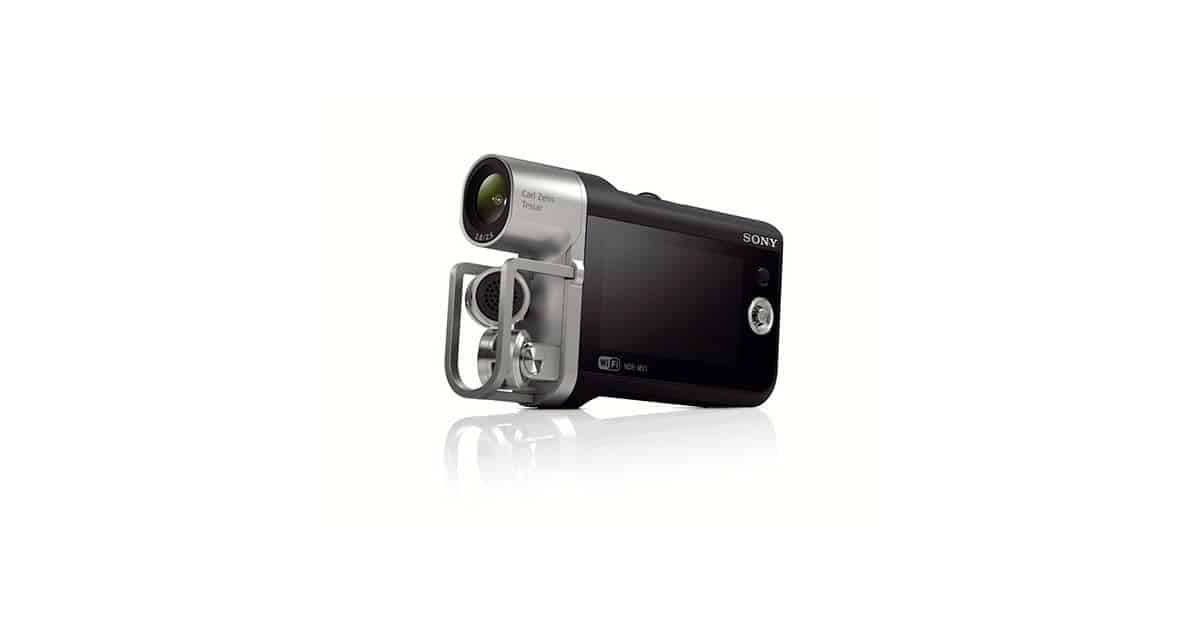
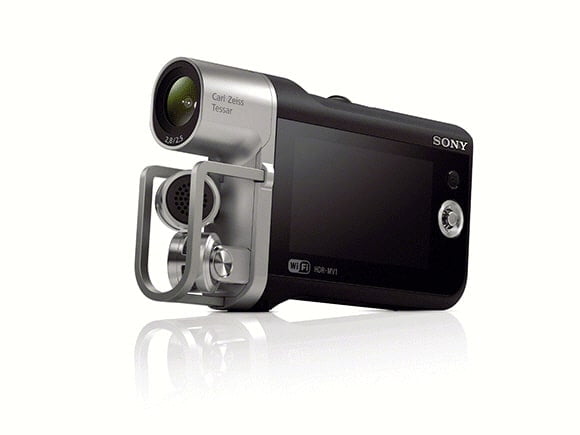
The one I particularly like is dubbed the HDR-Music Video Recorder.
Aimed at the musician in all of us, it has been designed to not just capture great high definition video but also is armed with sound recording abilities far superior to your average camcorder.
It has a 120 degree offset two channel mic ideal for live recordings and can create CD quality sound files.
HDR-Music Video Recorder
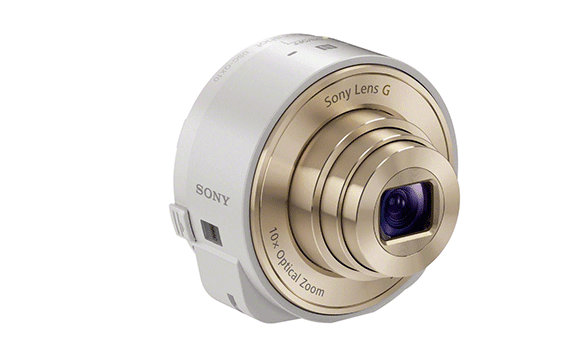
And finally an awesome little camera / lens/ thingy which can be used in conjunction with a smart phone to capture high quality images and video.
The device itself looks like a camera lens for a DSLR but in fact connects wirelessly to your smart phone and can be operated through the phone using an app.
It can be physically attached or can be held separately.
Lens Style QX Series Camera
- Sony Unleashes A Bundle Of New Imaging Products, Including A 4K Consumer Camcorder For $4,500
Breaking the Rules
One of the first steps anyone learning video shooting and editing should go through is that of establishing the rules.
The rules in video are sometimes derived from the world of photography and sometimes come from the world of movie making as it developed.
Anyone’s ability to effectively shoot and edit a successful video can be greatly enhanced by a knowledge of the rules and an ability to apply them.
Three rules that probably sit at the top of the list are the 180 Degree Rule, the Rule of Thirds and the Shaky Camera Rule.
The 180 Degree rule is strictly for video and basically dictates that when two people are in a scene engaging in conversation or action one person is on the right and the other is one the left within the frame.
Even when changing perspective or shot angle the same person stays on the right and the same on the left.
The theory behind this rule is that it makes it easier for the audience to track along with what is happening because the people are appearing in the same place each time.
The viewer doesn’t have to go through any process of re-establishing who is who and where they are in relation to the other or the location.
The second is the Rule of Thirds and is part of an overall video set of rules concerning the composition of shots, more on that here.
This one comes from the world of photography and is a way of placing people, faces, objects within the overall frame that tends to make things look “normal” or “balanced to a human.
The last one is the Shaky Camera rule and I think this really doesn’t need much of an explanation.
As I mentioned earlier, anyone can improve their video projects by learning, understanding and practising these rules until they get them down pat.
Once you have done that you can do what we all really like to do… break the rules!
More on breaking the rules here:
Possible Cracks in the Blackmagic Mirror
Well perhaps the inevitable cracks are beginning to surface amongst the excitement that accompanied the release of the Blackmagic Cinema Cameras!
I’ll be the first to admit I was getting petty gushy about it all but it is worth keeping in mind that this is only the beginning and a few glitches were likely to surface!
Where is My Flying Car?
Ever since I used to come home from school and watch re-runs of the Jetson I have been waiting for my flying car.
There have been untold technological advances since then that have affected all our lives and I both understand that and celebrate that.
But the question that remains uppermost in my mind is, “Where is my damn flying car?!”
In lieu of the aforementioned vehicle I still love checking out awesome gadgets and gizmos so here is one I really liked!
Storytelling Tips
No matter what you think the purpose of your video project is it is in reality telling a story.
A day at the beach or the zoo with the kids, a party or dinner with friends… it doesn’t matter, in each you are telling a story.
If you are not telling a story or at least you don’t think you are then you may as well be barking like a dog to a group of people.
They will have no idea what you are saying and will react as if you were barking like a dog!
- 5 Video Storytelling Tips That Will Turn You into a Modern Shakespeare
Leave a Reply