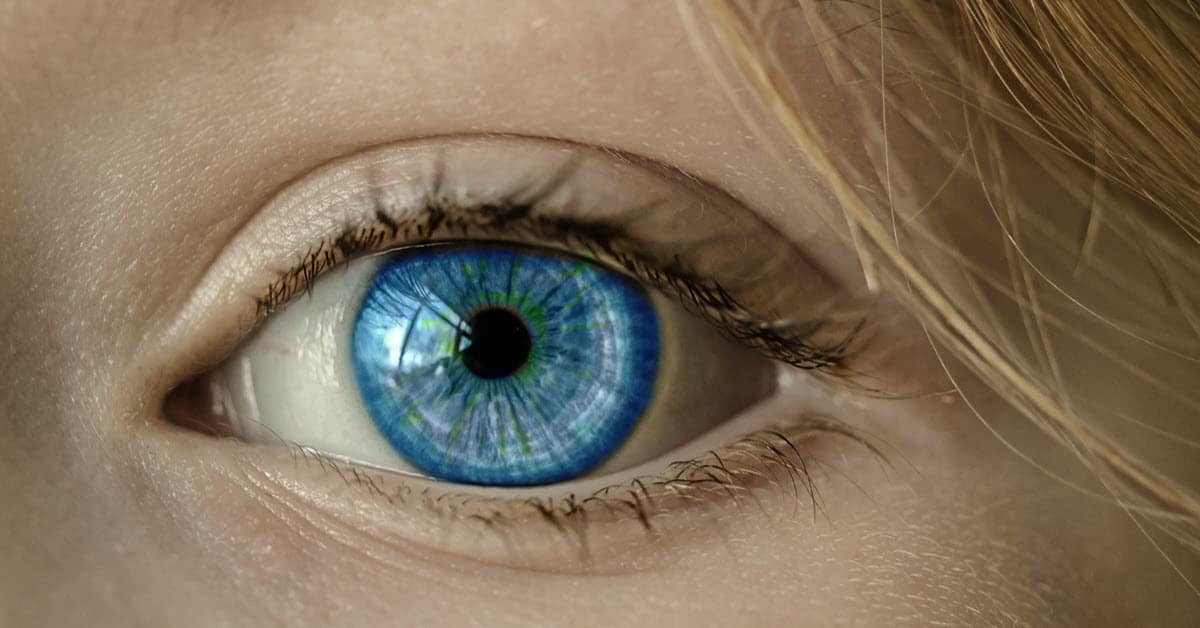
Eye Zoom Transition Effect – Wondershare Filmora X
Another great example of how you can pull off what is a reasonably complex effect in a fairly simple video editing program like Filmora.
It takes a few steps but the results look great.
Practical Effects 101
An excellent walk though here of designing and putting together a practical effect that is almost fully done “in camera.”
Of course the final tweaks and polishes are done in video editing software but the bare bones of the effect are all in the shooting.
Just about anyone can pull this off the way it is done in the video but having said that you are probably going to need video editing software with a slightly more advanced feature set like Pinnacle Studio or CyberLink Director Suite 365.
There is only one part of this entire process that your camera and editing software can not execute.
That part is of course… imagination. That bit is up to you.
Is Unreal Engine the Future of Filmmaking?
Well I don’t know if it is truly going to be the “future of filmmaking” but what I do know is that for a free piece of software it is pretty amazing!
I haven’t gone into it too far but I am guessing you are going to need a pretty hefty computer setup to run this thing!
Anyway the results are spectacular and well worth checking out.
Color Correction Basics (S-LOG Footage) – Wondershare Filmora X
As a fully qualified color correction and color grading tragic I take any advice I can get on the subject.
I swear every time I try to do it I get so lost, so fast it is not a joke.
Maybe you can fare better with this tutorial.
Got Video Editing Questions? Ask Me Live!
Another good live stream from Daniel Batal this week covering some advanced techniques using Filmora.
A great point to remember when you watch these videos is that the software he is using is not itself particularly advanced.
Filmora is an excellent, well equipped little editing program that is not designed to pull off super advanced techniques.
However that being said, if you know what you are doing to can get it to do some pretty complex things.
The key datum here is “if you know what you are doing!”
These Videos Will Make Your YouTube Channel Blow In 2021!
Before I get into any kind of discussion on this video I think we need to address the elephant in the room!
I really don’t think they want your videos or YouTube channel to “blow!”
I actually think the intention here was to make your videos or channel “Blow up” as in go viral!
The dangers of English as a second language can be quite real!
Anyway aside from all of that there are some great content suggestions and YouTube channel ideas in the videos based on observing existing successful channels.
3 Ways to End Your YouTube Video in Wondershare Filmora X
I have spoken before about the importance of branding especially when it comes to running a YouTube channel.
Those wacky humans loves them some predictability and although they say they like random things and excitement… it’s not actually what they keep going back to.
We are creatures of habit so when we find a YouTube channel we like we also like everything on that channel to be familiar.
In light of that here are some suggestions for ending YouTube videos in a consistent way suitable to your own branding.
Leave a Reply